
Overflow
What Overflow Is
Overflow is a routing tool for income that exceeds your Monthly Income Plan. Any unallocated funds flow into Overflow automatically. You do not need to move them manually.
If you receive more than you planned for, like a bonus, commission spike, or a larger paycheck, Roo treats that extra as Overflow and redirects it to the pouches you’ve chosen.
Overflow helps you answer one simple question ahead of time:
“When extra income shows up, where do I want it to go?”
Why Overflow Exists
Extra income is a good problem, but it can still create friction.
Without Overflow, bigger months often lead to:
- Overthinking where money should go
- Delaying decisions
- Reworking the plan
- Spending extra money without intention
Overflow exists so you can decide once and move on.
Instead of asking, “What should I do with this extra right now?” Roo already knows where to send it.
How Overflow Is Set Up
Overflow starts simple.
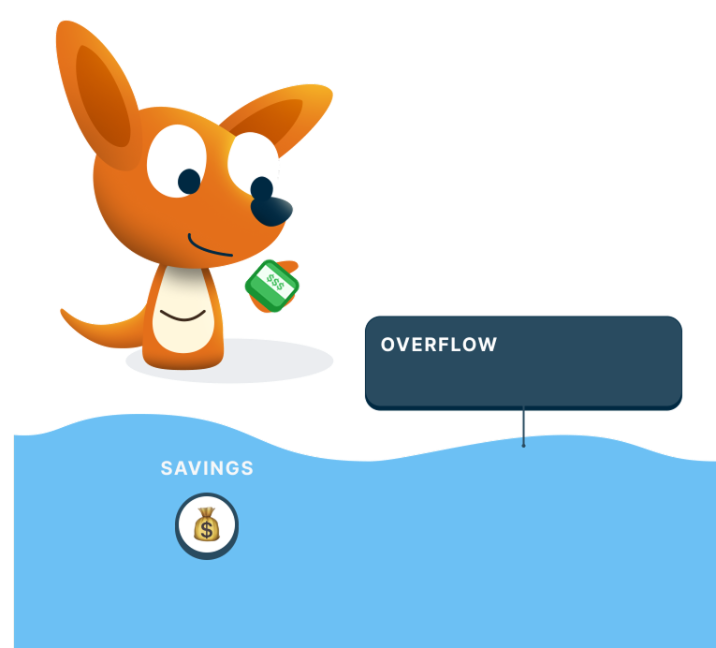
- The Savings pouch is included by default
- You can add other pouches if you choose
- Roo recommends keeping Overflow uncomplicated
People often use Overflow for:
- Long-term savings
- Emergency money
- Fun money that was not expected
These same goals can also be funded elsewhere in your plan. The difference with Overflow is that you do not plan an amount.
Overflow just receives what shows up.
Example: How I Use Overflow
My monthly income plan is $3,000, but I usually earn a little more. I just try to estimate on the conservative side.
On months that I earn more, I already have a plan. It’s my Overflow.
The extra money does not sit in my account waiting for a decision. It flows into Overflow.
I set my Overflow to send money to my Savings pouch and one fun-money pouch. I did that once.
Now, when extra income shows up, I don’t have to stop and think about it. The Income Splitter River handles it quietly in the background.
I still plan intentionally. I just don’t have to plan extra and I don’t waste it. It goes toward something I think is important.
FAQs
Do I need to decide how much goes into Overflow?
No. Overflow has no planned amount. It automatically receives any income left over after your Income Splitter River allocations are filled.
See also: Overflow
Is Overflow the same as savings?
No. A Savings pouch holds money you set aside on purpose, usually a planned amount you decide. Overflow is different. It does not have a planned amount. It just collects the money that is left over after your other pouches are filled. You can use them together by putting a Savings pouch into Overflow. Then that pouch gets its share from your Income Splitter plan plus any extra that lands in Overflow.
See also: Goals Vs Overflow
Can I change what pouches are included in Overflow?
Pouches in the Overflow section of the Income Splitter River receive any excess funds. You can create a pouch just to catch the excess, or add a pouch from elsewhere in the river to Overflow. That pouch then receives both its Income Splitter allocation and any excess that arrives.
See also: Overflow
What if I want to use extra income for something specific?
If you know you want to keep saving extra money for something specific, you can make a new pouch in Overflow, or add one you already have, to catch the extra income there. Overflow keeps your options open, so you do not have to decide right away.
You can manually transfer money from an Overflow pouch to a specific pouch on the Pouch Balances screen in the Budget tab.
See also: Overflow
A Simple Way To Think About It
- Your plan covers a normal month
- Overflow handles better-than-normal months
- You decide once, then let Roo do the rest